


--By Christian Figueroa
The Baofeng UV-5RM Plus is a powerful and budget-friendly dual-band radio popular among amateur radio operators, preppers, outdoor enthusiasts, and emergency response teams. While it performs well out of the box, one of the most valuable tips for getting the most from your UV-5RM Plus is learning how to program repeaters correctly. This not only improves your communication range but also ensures that your transmission is clearer, more reliable, and legal under FCC regulations.

Why Repeaters Matter
Repeaters are high-powered radio stations, typically placed on mountaintops or tall buildings, that receive a signal on one frequency and retransmit it on another. By using a repeater, your UV-5RM Plus can communicate over a much greater distance than direct radio-to-radio (simplex) communication. This is particularly useful in hilly or urban areas where obstacles may block line-of-sight.

How to Program a Repeater on the UV-5RM Plus
Programming a repeater into your Baofeng UV-5RM Plus involves a few steps:
1. Know the Repeater Details:
- You’ll need the repeater’s receive frequency, transmit offset, and CTCSS/DCS tone (also known as the access tone).
- These are often listed on websites like RepeaterBook.com or provided by local amateur radio clubs.
2. Enter Frequency Mode:
- Press the VFO/MR button to switch to frequency (VFO) mode, where manual input is allowed.
3. Input the Repeater’s Receive Frequency:
- Type in the repeater's receive frequency using the keypad.
4. Set the Offset Direction and Amount:
- Press MENU, go to menu 25 (SFT-D) to set the shift direction (+ or -).
- Then go to MENU 26 (OFFSET) and enter the offset (typically 0.600 MHz for VHF, 5.000 MHz for UHF in the U.S.).
5. Set the CTCSS/DCS Tone:
- Go to MENU 13 (T-CTCS) and enter the tone frequency (e.g., 100.0 Hz).
6. Save to Memory Channel:
- Press MENU 27 (MEM-CH), select an empty channel, and press MENU again to save.
7. Label the Channel (Optional but helpful):
- If you’re using CHIRP (a free programming software), you can name channels for easier identification.
Bonus Tip: Use CHIRP for Simplicity
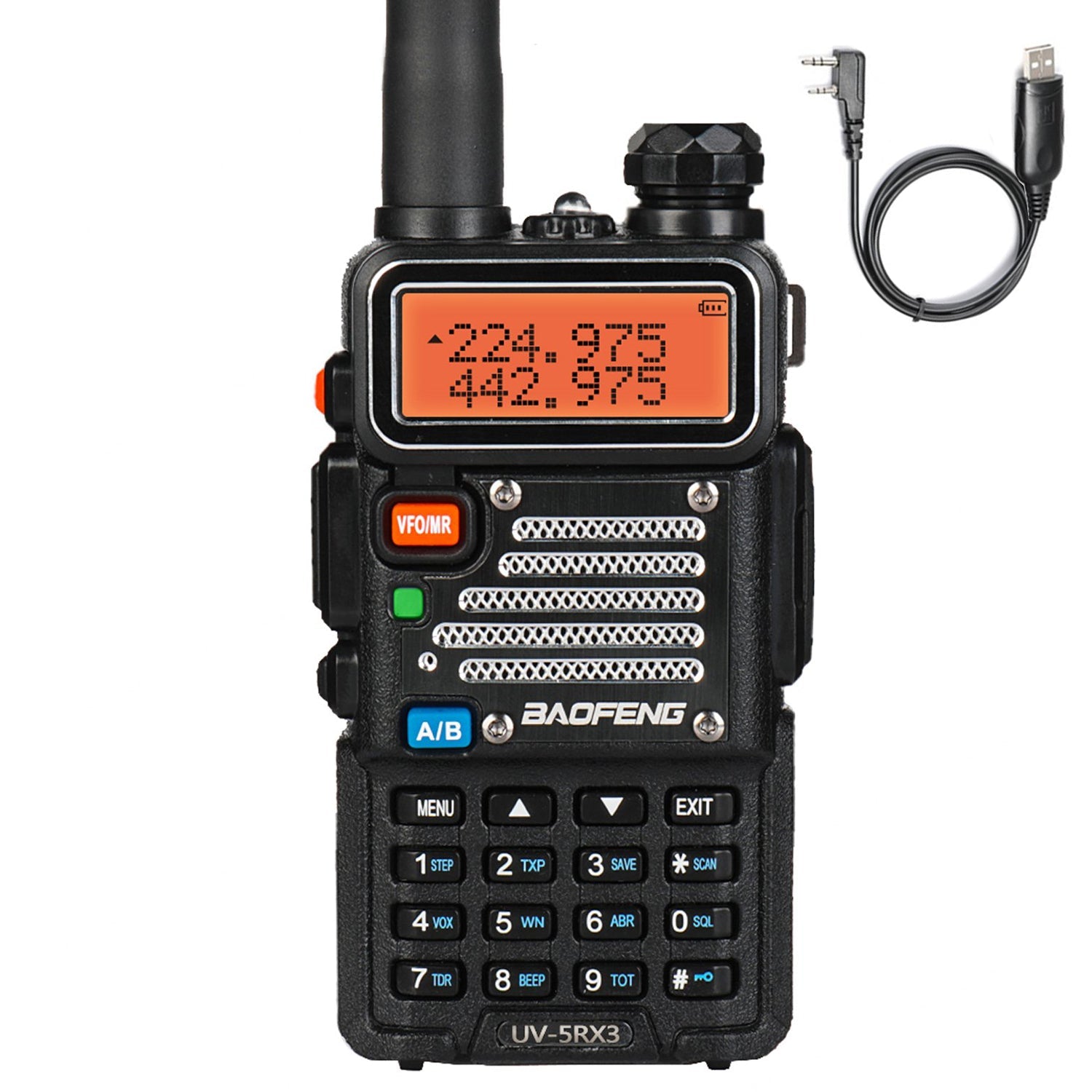
While programming manually is useful, using CHIRP software with a programming cable makes the process much faster and helps you avoid mistakes. With CHIRP, you can batch program multiple repeaters, label channels, and back up your settings. It’s especially helpful if you frequently travel or use your radio in various regions.
Conclusion
Learning to program repeaters into your Baofeng UV-5RM Plus is one of the most effective ways to improve your radio’s performance and utility. Whether for hobby use, emergency communication, or professional fieldwork, leveraging repeater networks can make your transmissions more powerful, clear, and far-reaching. With a little practice—or help from CHIRP—you’ll turn your UV-5RM Plus into a far more capable communication tool.

0 comments