


--By Jay Farlow, W9LW
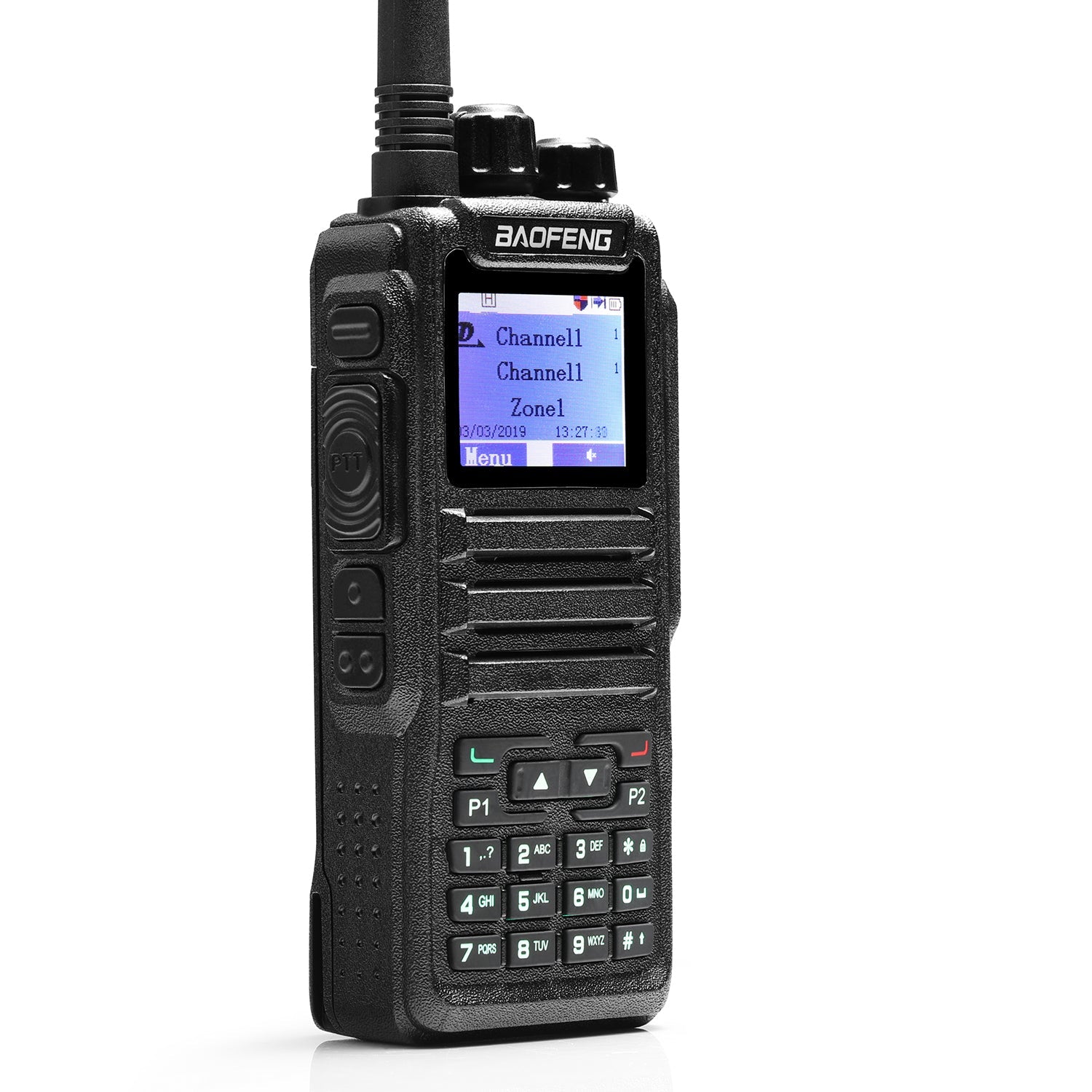
In Part Two of this series, I covered how to configure DMR frequencies in the Baofeng DM-32UV. Part Three will cover FM (analog) frequencies.
Programming the Baofeng DM-32UV Part One: Preparations
Programming the Baofeng DM-32UV Part Two: Entering Data for DMR
Obtain repeater information
As I wrote in Part One, it is essential to gather certain information about the repeater(s) you intend to use, including:
- Transmitter and receiver frequencies.
- Continuous tone-coded squelch system (CTCSS) frequency or digital code squelch (DCS) code (if required).
You can often obtain such information from the websites of clubs or individuals that operate repeaters, or online repeater directories, such as RepeaterBook.com.
As described in Part Two, start by reading the radio and saving the file to your PC under a unique file name. Optionally, open an existing file on your PC that was confirmed to work on your radio, save it under a new file name and then edit it. With CPS version 1.45, do not use the “File:New” command unless you can read Chinese menus on the radio.
Follow the procedure described in Part Two to edit a channel in the codeplug or add a channel to the channel list. Enter the following to the Channel Information dialog box:
- Channel Name: Choose a name that will make sense to you. For example, for a New York City repeater that transmits on 147.27 MHz, I might name the channel, “NYC 147.27”
- RX Frequency: Enter the frequency on which the repeater transmits (the repeater’s output frequency).
- TX Frequency: Enter the frequency on which the repeater receives (the repeater’s input frequency).
- Channel Type: Set to “Analog” for FM use.
- TX Power: Set this to the lowest power level that will provide access to the repeater. This will be the default power level for this channel. While operating the radio, you can increase or decrease the power level as needed.
- Band Width: Set to “25K” for amateur radio repeaters.
- CTC/DCS Decode: Optionally set to the code the repeater transmits, e.g., 141.3, if you want to prevent your radio from receiving other signals on the frequency.
- CTC/DCS Encode: Set to the code that the repeater requires on its receive frequency, e.g., 141.3
Repeat the steps above for every FM repeater you wish to use, starting, as always, by double clicking on a new table row.
Zones
Following the procedure described in the Zones section of Part Two, add every newly created channel to at least one zone. My personal preference is to dedicate a zone to each geographical grouping of FM repeaters. For example, I put all FM repeaters located in a particular city in a zone named for that city.
FM simplex frequencies
The procedure for adding FM simplex frequencies to the DM-32UV is essentially the same as that described above. In the Channel Information dialog box, you must assure that the transmit and receive frequencies are the same. It is a good idea to indicate in the channel name that it is simplex (e.g., “146.52 Sx”). CTCSS and DCS codes are not typically used in FM simplex communication.
Save your work
The above instructions explain the minimum entries one must make to transmit and receive on FM (analog). This would be a good time to use the CPS menu to save your file, using a unique file name as explained in Part Two.
Write the codeplug to the radio
Use the procedure described in Part Two to write the revised codeplug to the radio.


3 comments
Ottimo lavoro e chiarissime le spiegazioni.
Grazie
I agree with Jeremy. APRS ad general GPS functions would be helpful
All good tutorials. Could use one for the DM-32UV APRS. Thanks you.