


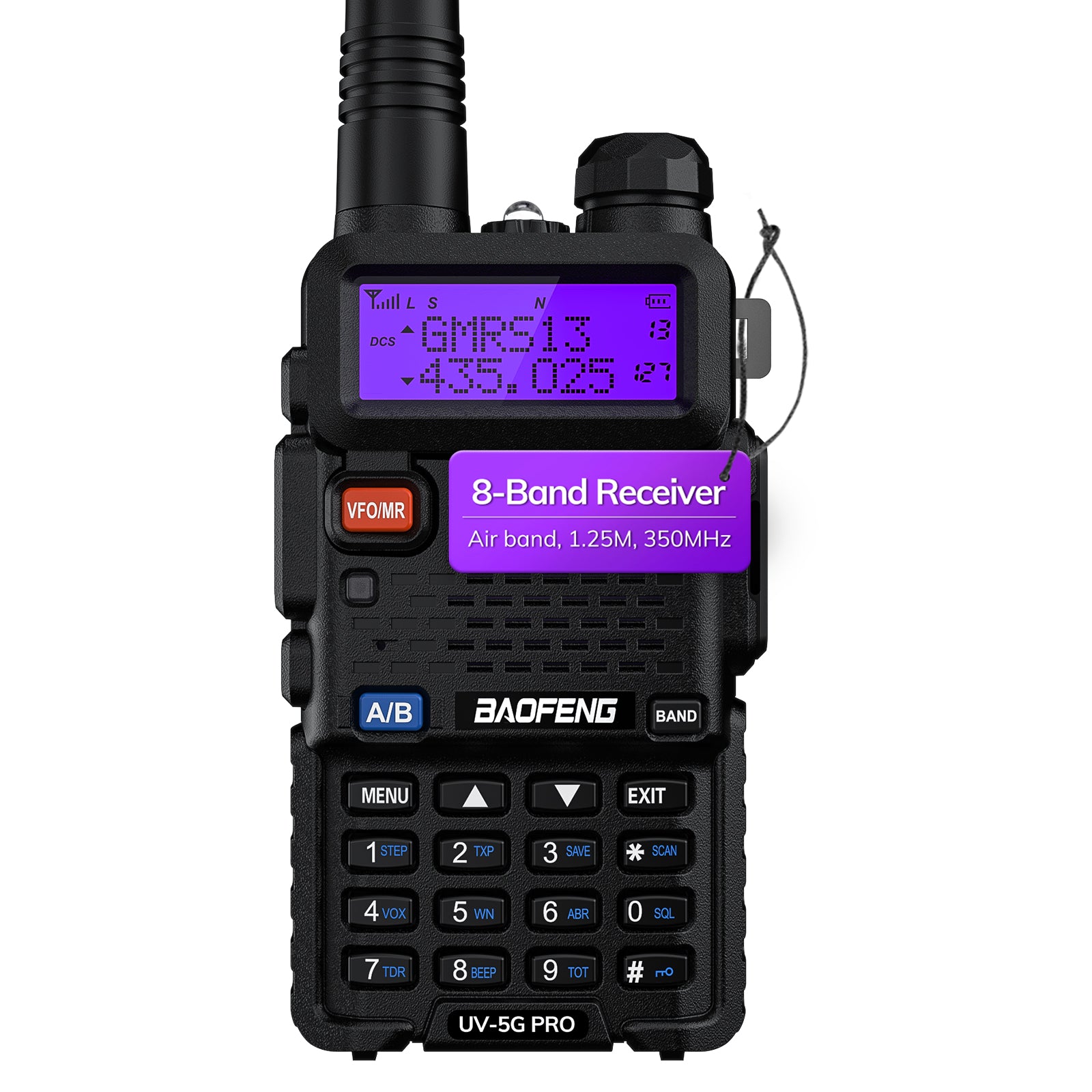
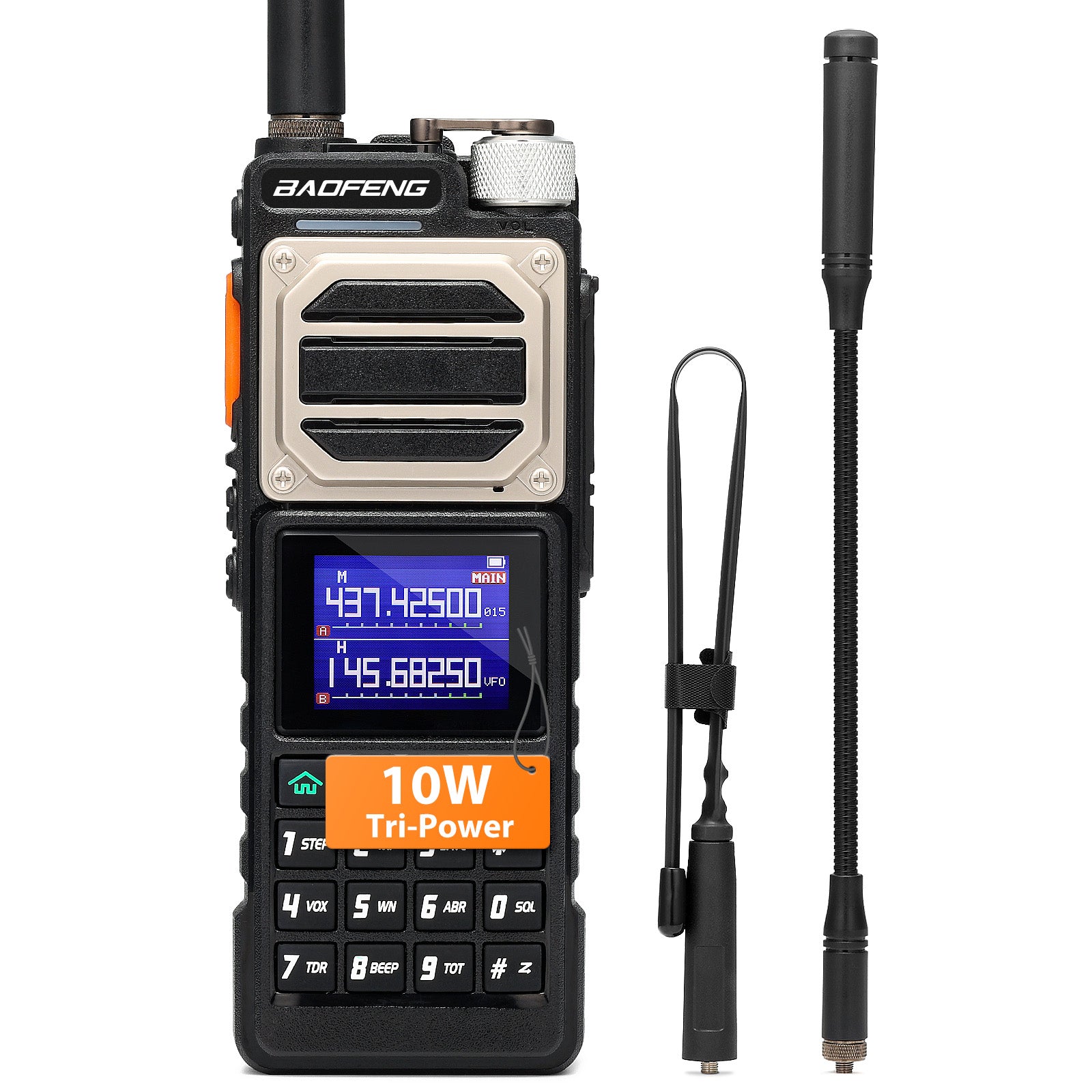
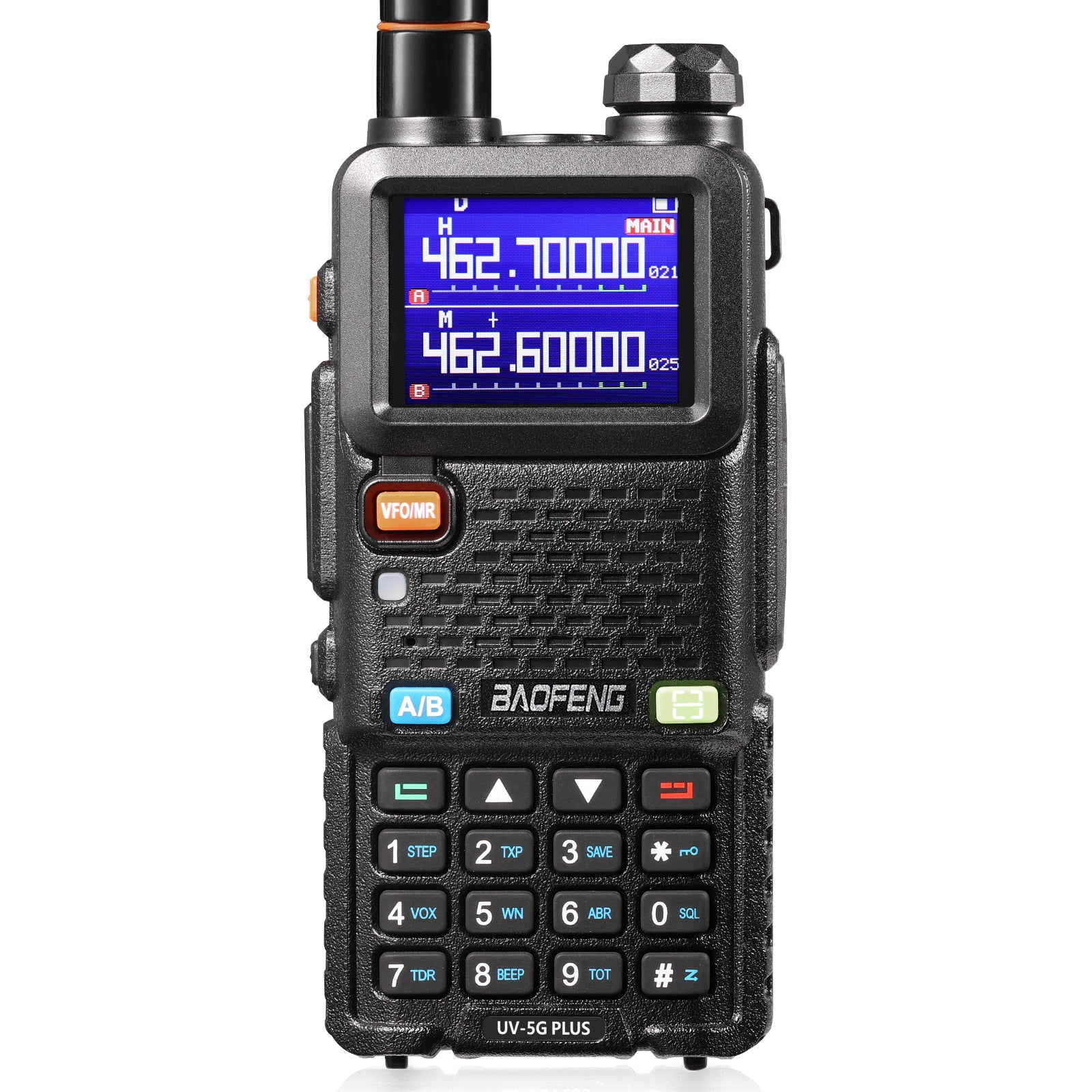
Every field has its own technical terms and vocabulary. You can see a lot of "buzz words" or terms in BAOFENG radios' manuals and descriptions on websites. Here we would introduce the most commonly used technical terms and show their meaning in simpler English.
|
Abbreviation |
Full Name |
Description |
| ABR |
Display Illumination Time |
Time-out for the LCD backlight(seconds), usually 0-10s. |
| AL-MOD |
Alarm Mode |
• SITE [0]: Sounds alarm through your radio speaker only |
| ANI-ID |
Automatic Number ID |
With this function, you can set your ID code. It can be programmed by the proper programming software. The number of max digits is different from radio to radio. |
| AUTOLK |
Auto Keypad Lock |
When this feature is activated, the keypad will be automatically locked after 15s; this prevents accidental pressure of any keys. |
| BCL |
Busy Channel Lock |
When this function is on, it may prevent other radios’ interference. If the selected channel is being used by other radios, when you press key PTT, your radio cannot transmit. |
| BEEP |
Keypad Beep |
When this function is enabled, every time a button is pressed, you will hear a beep tone. |
| CTCSS |
Continuous Tone-Coded Squelch System |
As DCS codes, the CTCSS codes can be added to the channels for creating new private channels. T-CTCS - Transmitting CTCS R-CTCS - Receiving CTCS |
| DCS |
Digital Code Squelch
|
DCS codes are similar to access codes and can be added to channels, so as to create a sort of personal channel. They enable the radio to communicate with the users that are tuned on the same channel and have set the same DCS code. Note: the groups of DCS codes are 208. DCS codes cannot be changed in channel mode. T-DCS - Transmitting DCS R-DCS - Receiving DCS |
| DEL-CH |
Delete a Memory Channel |
You can delete a channel on the radio. |
| DTMFST |
DTMF-Side Tone ofTransmit code |
Determines when DTMF Side Tones can be heard from the transceiver speaker. You can choose amongst four options: |
| LED |
WT-LED Display Backlight Color, Standby RX-LED - Display Backlight Color- Receive
TX-LED - Display Backlight Color- Transmit |
For UV-5R/GT-3TP and some other series: OFF [0] BLUE [1] ORANGE [2] PURPLE [3] |
| MDF-A |
Channel A Display Mode |
This function is used to set the display mode of channel A. |
| MDF-B |
Channel B Display Mode |
This function is used to set the display mode of channel B. |
| MEM-CH |
Store a Memory Channel |
This menu is used to either create new or modify existing channels so that they can be accessed from MR/Channel Mode. |
| MR Mode |
Channel Mode |
The use of Channel (MR) mode is dependent on actually having programmed in some channels to use. |
| NOAA |
Weather Receiver /Scan |
Your radio can tune in to broadcasts by the United States National Oceanic and Atmospheric Administration (NOAA) Weather Radio and Environment Canada Weather Radio. Your radio has an NOAA weather receiver function, to enable the user to receive weather reports from designated NOAA stations. |
| OFFSET |
Frequency Offset |
You can set the deviation between TX and RX. The frequency offset of this radio is 00.000-99.998MHz. |
| PONMSG |
Power On Message |
• FULL [0]: Performs an LCD screen test at power-on |
| PTT-ID |
When to send the PTT-ID |
• OFF [0]: No ID is sent |
| PTT-LT |
Signal Code Sending Delay |
PTT-ID Delay (milliseconds), 0-50ms. |
| RESET |
Restore Defaults |
VFO| ALL. Resets the radio to factory defaults, with some exceptions. |
| ROGER |
Roger Beep |
OFF|ON. Sends an end-of-transmission tone to indicate to other stations that the transmission has ended. |
| RP-STE |
Squelch Tail Elimination |
OFF|1 - 10. This function is used to eliminate squelch tail noise when communicating through a repeater. |
| RPT-RL |
Delay the squelch tail of the repeater |
OFF|1 - 10. Delay the Tail Tone of Repeater(X100 milliseconds) |
| SAVE |
Battery Save Power Save
|
Battery Save: Selects the radio of sleep cycles to wake up cycles (1:1, 2:1, 3:1, 4:1). The higher the number, the longer battery would last. The higher number increases the RX sleep cycle, but you may miss the first few syllables before the RX opens. Power Save: The power save feature enables a reduction in the consumption of the battery when the radio is on standby. For example Mode 1= 1s’ working and 1s’ battery saving. Mode 2= 1s’ working and 2s’ battery is saving. |
| S-CODE |
Signal Code |
Selects 1 of 15 DTMF codes. The DTMF codes are programmed with software, in UV-5R they're up to 5 digits each. |
| SC-REV |
Scanner Resume Method |
• To [0]: Time Operation-Scanning. Will resume after a fixed time has passed. |
| SFT-D |
Frequency Shift |
Enables access of repeaters in VFO/ Frequency mode. |
| SQL |
Squelch Level |
Squelch silences the receiver when there's no signal. If the squelch is set to the highest level, the radio will receive the strongest signals only. Usually, the squelch can be adjusted to 10 different levels: • Level 0: opened squelch. With this setting, UV-5X will detect all signals, also the weakest ones, but will also receive the background noise or undesired signals. • Levels 1- 9: level 1 (lowest squelch level), level 9 (highest squelch level). |
| STE |
Squelch Tail Elimination |
OFF|ON. This function is used to eliminate squelch tail noise between Baofeng handhelds that are communicating directly (no repeater). |
| STEP |
Frequency Step |
Selects the amount of frequency changed in Frequency mode when scanning or pressing the ▲ or ▼ button. Note: in channel mode, this function cannot be modified. |
| TDR |
Dual Watch, Dual Reception |
When this function is activated, you can receive the frequency of channel A and channel B at the same time. Note: In Dual Watch operation mode, you can c0hange the parameter of AB channel or frequency freely. |
| TDR-AB |
Transmit Selection while in Dual Watch Mode |
When enabled, priority is returned to the selected display once the signal in the other display disappears. |
| TOT |
Time-Out-Timer |
The TOT function is used to prevent a too long transmission and limits the tx time: TOT temporarily stops the transmission if the radio has been used beyond the max pre-set time (for example 15s, 30s, 45s, etc). |
| TXP |
Transmit Power |
Selects between HIGH and LOW transmitter power when in VFO/Frequency mode. Use the minimum transmitter the power necessary to carry out the desired communications. |
| VFO Mode |
Frequency Mode |
In Frequency (VFO) mode you can navigate up and down the band by using the ▲/▼ keys. Each press will increment or decrement your frequency according to the frequency step you've set your transceiver to. You can also input frequencies directly on your numeric keypad with kilohertz accuracy. |
| VOX |
Voice Level |
This function allows hands-free conversations: just speak in the direction of the microphone and the communication will be automatically activated. You can choose amongst 11 levels: Off, 1-9. 1 is the highest level, 10 is the lowest one. If this option is set to Off, the VOX function is turned off. Note: the higher is the level, the higher is the microphone sensitivity. The VOX function cannot be modified in SCAN and FM radio mode. |
| VOICE |
Voice prompts function |
With this function, you activate a voice that informs you about any operation/ selection you are doing. |
| WN |
Wide/Narrow bandwidth |
This function is used to set the working bandwidth of the radio. Note: In channel mode, this function cannot be modified. |

5 comments
I like it.
Think you so much
Thank you.
Excellent information. I have had hand held. Baofeng is so inexpensive and worth every penny. Works well and durable. Best thing for a Nub like me.
Really like this. I was wondering what all the buttons, etc. mean.
I wish it was in a PDF document or something that was easily downloadable.